
Avast Antivirus
Avast Antivirus is a free antivirus program from Avast Software for Windows, also available for macOS, Android and other platforms.
0.9 GB

12.0.0.1187 · Beijing Qihu Keji Co. Ltd. · Page updated
360 Total Security is a free Windows security suite from Qihoo 360 that combines antivirus scanning with cleanup and speed-up tools.
Average 0.0 · ratings: 0
Thank you! Your rating is saved; you can change it. Could not save the rating. Please try again later. Too many ratings from your network today. Please try again tomorrow. The average appears after 5 ratings.
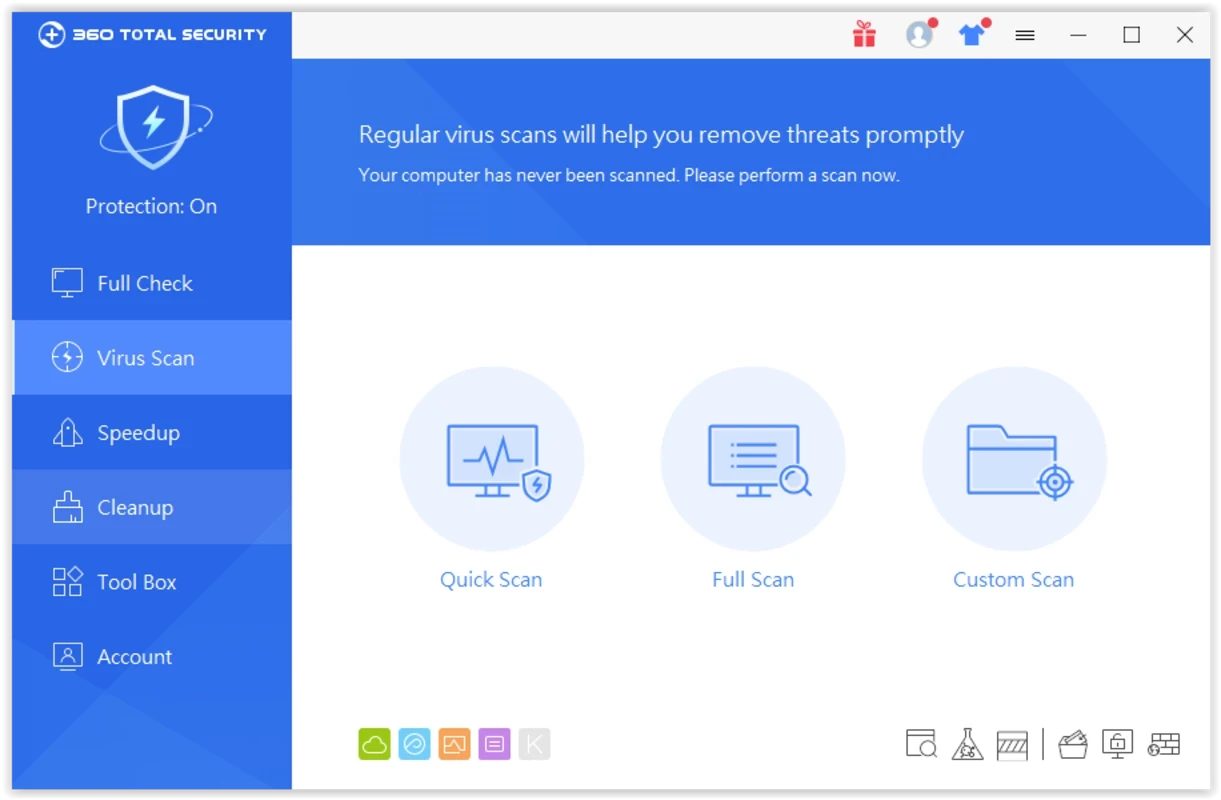
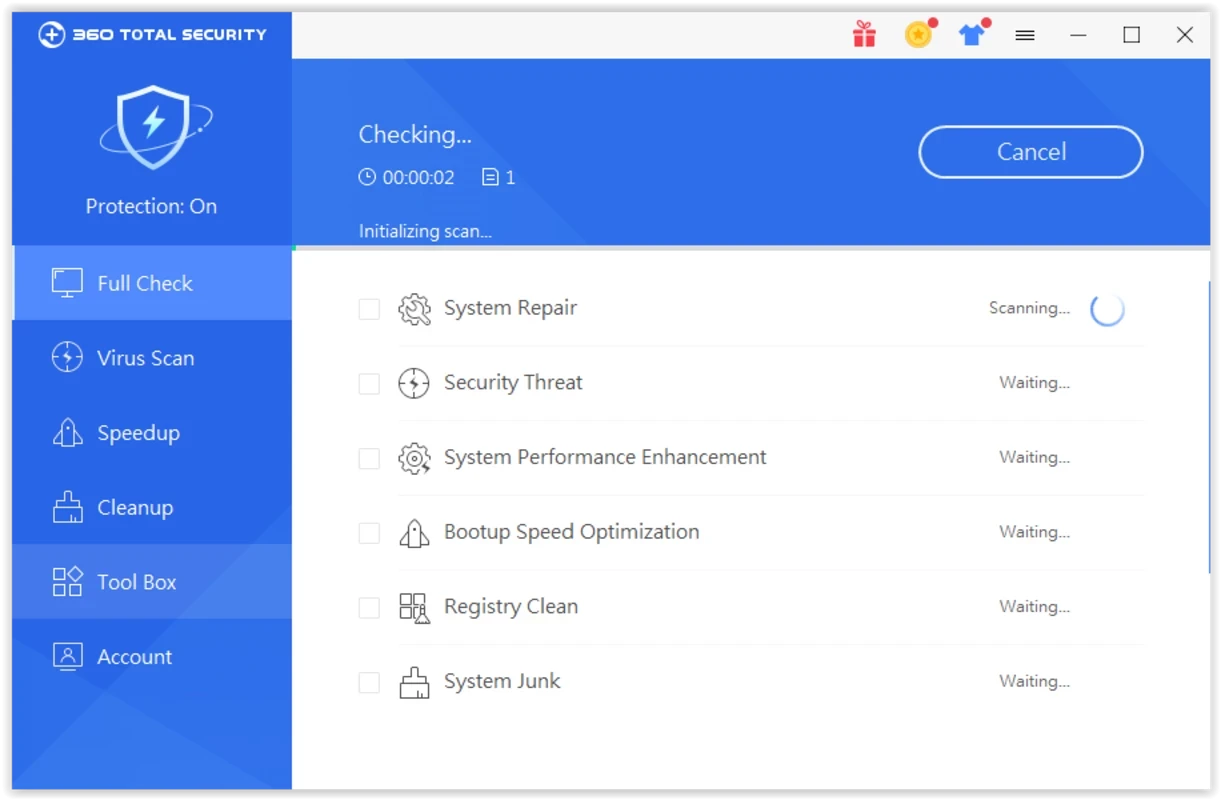
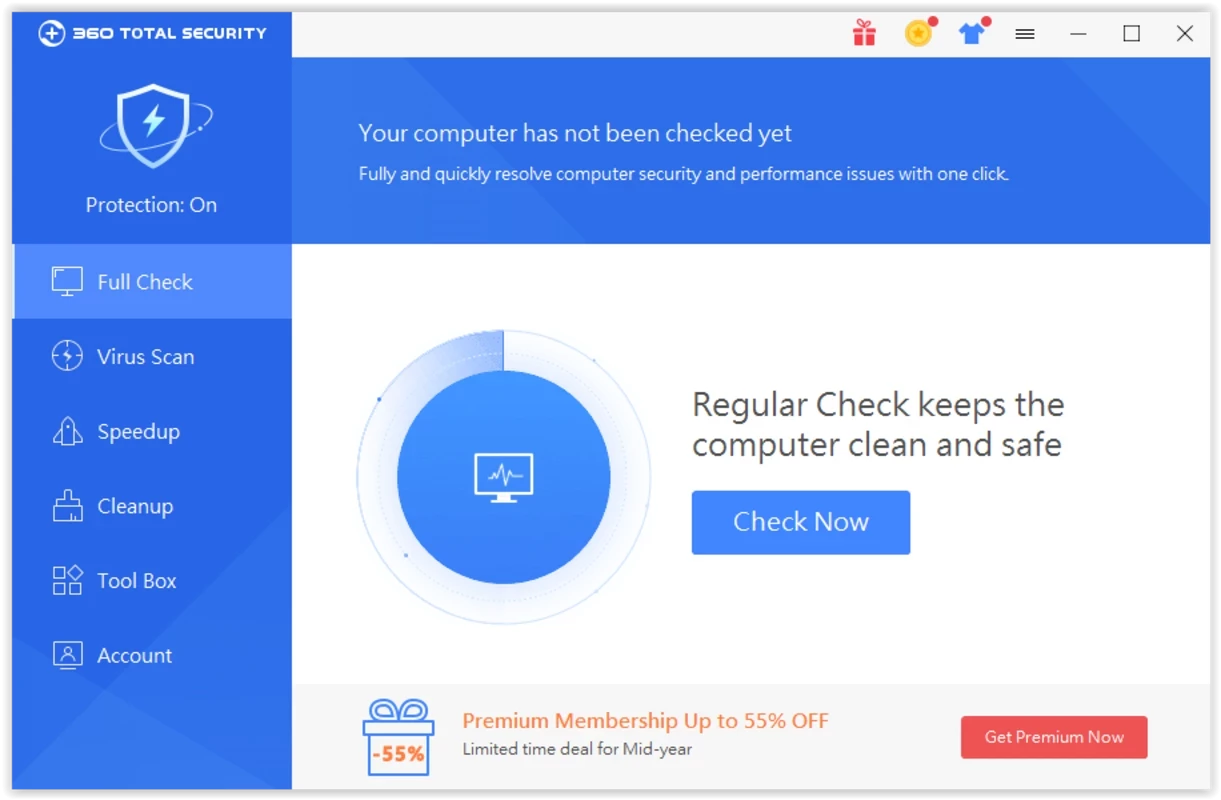
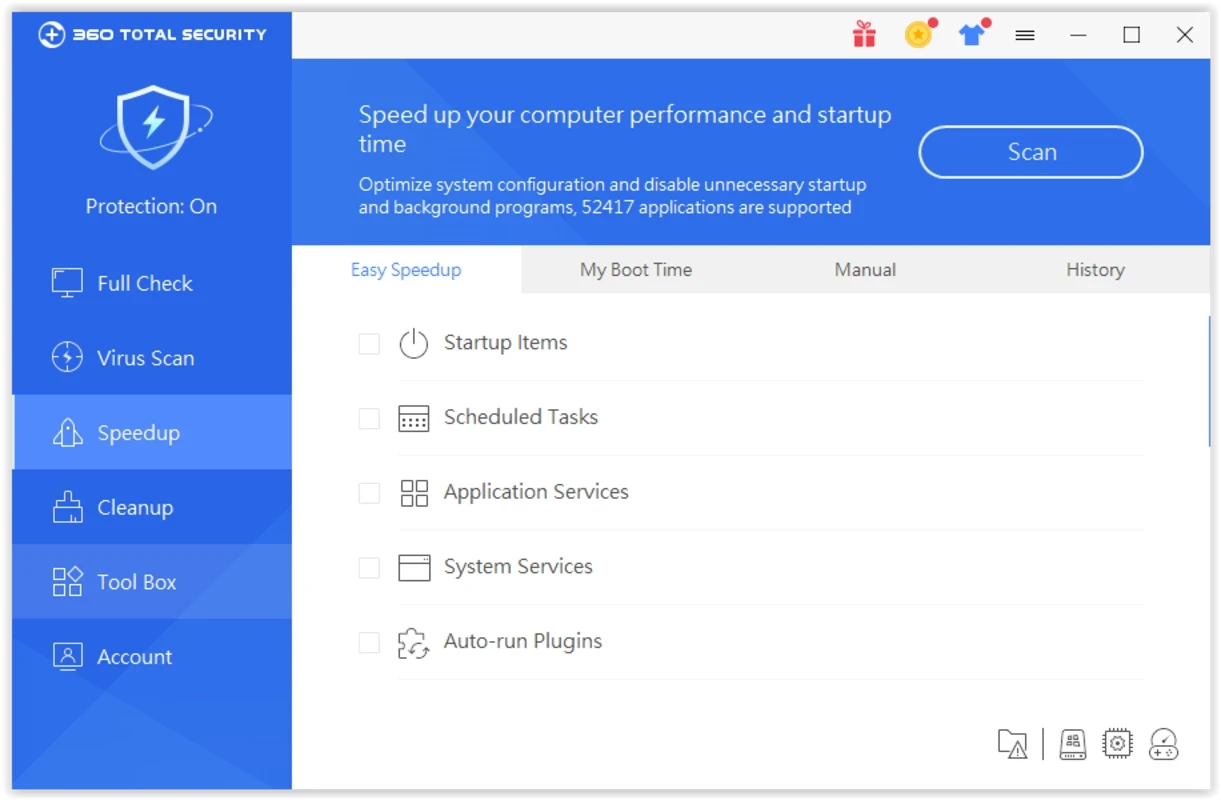
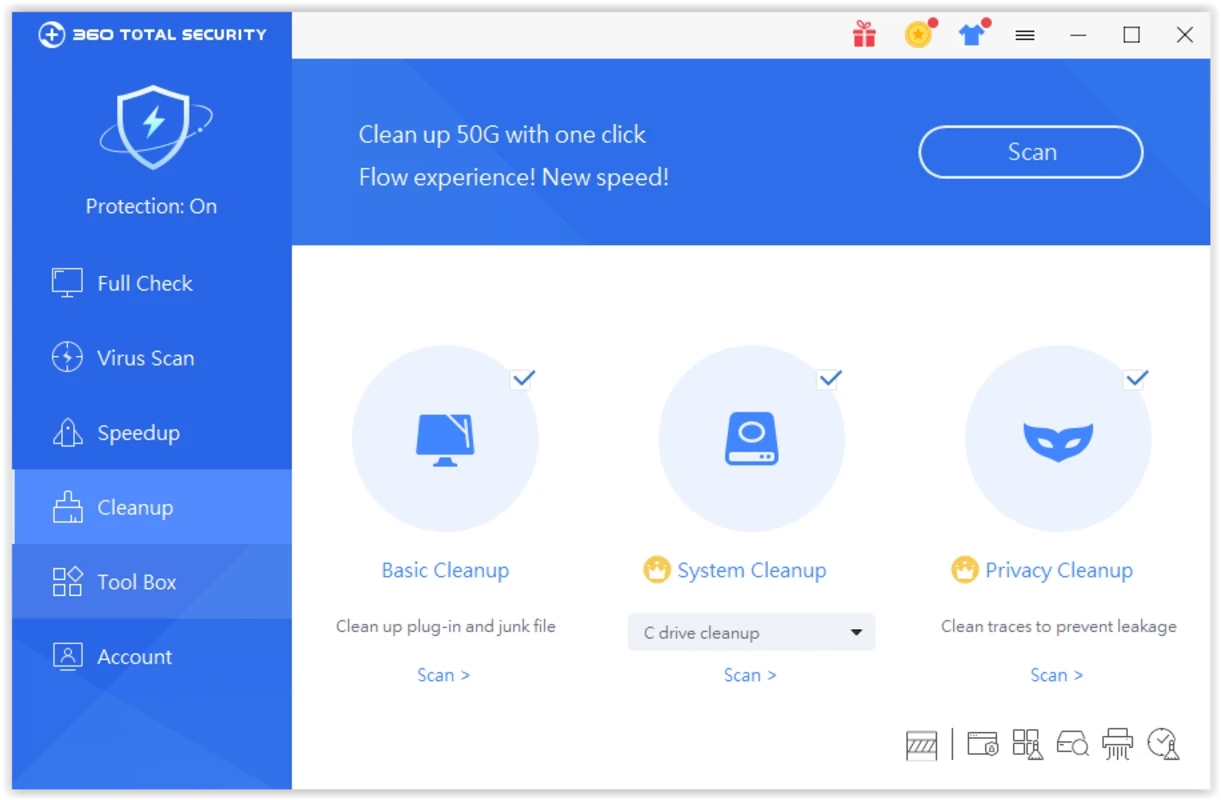
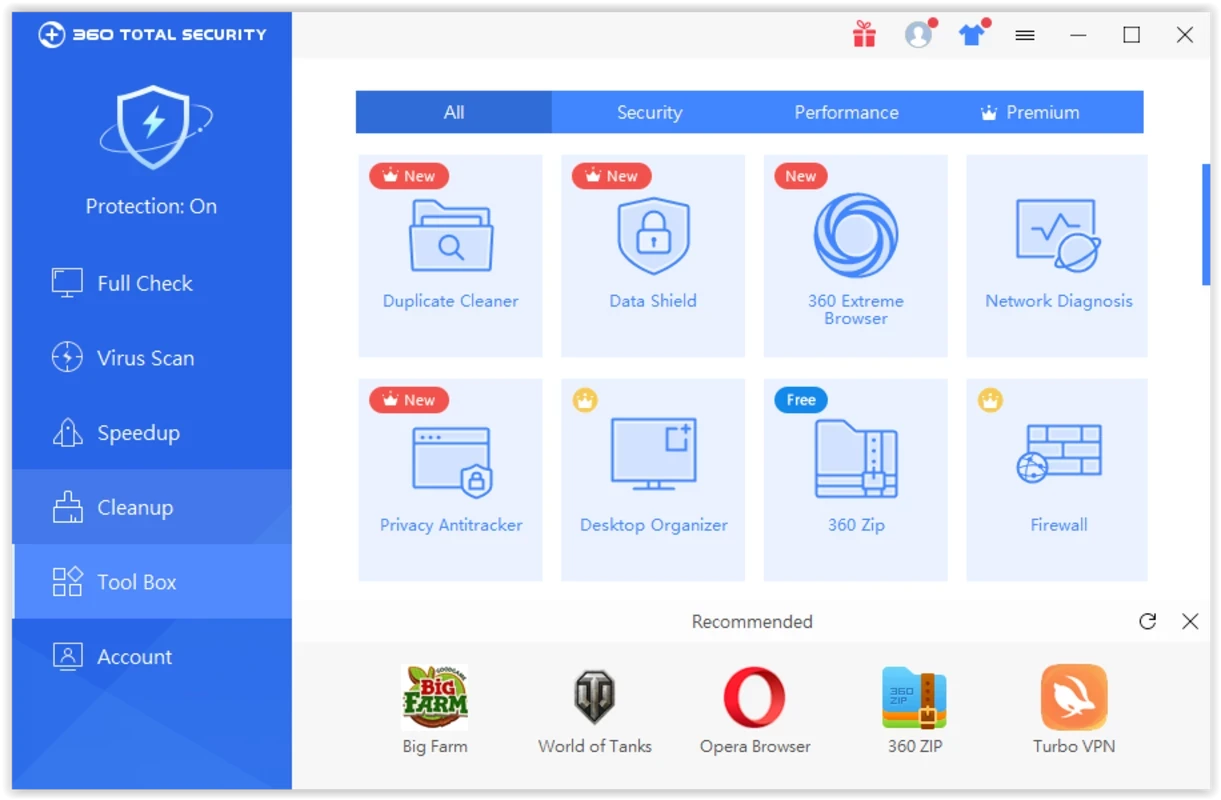
360 Total Security 12.0.0.1187 is a free antivirus and PC maintenance suite for Windows from the Chinese company Qihoo 360 (Beijing Qihu Keji Co. Ltd.). You can download 360 Total Security from its official site to get real-time protection, cleanup and speed-up tools in one program.
The product appeared in 2014 as the international version of Qihoo 360's security software and quickly gained users with a generous free package. Its main screen offers a single check-up that runs a virus scan, looks for junk files and suggests optimisations such as disabling unnecessary startup items. For protection, the suite combines its own cloud engine with additional scanning engines that can be switched on in the settings, and it adds real-time monitoring, web protection, a sandbox for running suspicious programs in isolation, and a vulnerability check for missing Windows patches. On the maintenance side there are a cleaner, a startup manager, a driver backup tool and a desktop organiser. That breadth is attractive for people who want one free tool, but it also makes the program busy and pushy, with notifications and suggestions to try other features or the paid Premium version. The product has had public disputes with independent testing organisations over how versions were submitted for testing, which is worth knowing when you compare results.
Updates are listed in the version history.
According to the installation guide: Windows 10, 8.1, 8, 7, Vista or XP in 32-bit or 64-bit, 512 Mb of memory, a 1.6 GHz CPU and 1 Gb of free disk space. The installer is about 193.19 MB according to catalogue data.
Get it only from the official site. Security software sees everything on your PC, so the vendor's reputation and data practices matter as much as detection rates; read the privacy policy and decide whether you are comfortable with it. Windows already includes Microsoft Defender, which is enough for many users.
The basic suite is free. Premium is a paid subscription that removes ads and adds extra features.
Other antivirus programs on our site include Avast Antivirus, AVG Antivirus, Avira Free Security, Bitdefender Antivirus and Norton Antivirus. Malwarebytes is useful as a second-opinion scanner.
Avast Antivirus is a free antivirus program from Avast Software for Windows, also available for macOS, Android and other platforms.

Norton Antivirus is commercial antivirus and computer security software for Windows, available as a trial before purchase.

AdwCleaner is a free Windows tool from Malwarebytes for finding and removing adware, unwanted programs and browser hijackers.

AVG Antivirus is a free antivirus for Windows from AVG Technologies with real-time scanning, web protection and optional paid features.

Adaware Antivirus is a Windows antivirus from Lavasoft, the company behind the long-running Ad-Aware anti-spyware tool, with a free edition.

Malwarebytes for Windows is anti-malware software that scans for and removes malware, ransomware, adware and unwanted programs.

Panda Antivirus is a security program for Windows from Panda Security, protecting against viruses and other malware.

UsbFix is a Windows tool from SOSVirus that detects and removes malware spread through USB flash drives and helps recover files the malware has hidden.